Live Video andScreen Sharing for Unity
Add player cameras, screen sharing and voice to your Unity game or app. Display live feeds in lobbies, HUDs or your 3D world.
Bring Live Video
Into Your World.
In-Game
Video Chat
Stream webcams, mobile cameras and supported XR device feeds directly into a multiuser experience. Put teammates on an in-game or in-app display.
Screen
Sharing
Bring a presenter onto a virtual stage with his own screen. Stream an expert into an XR training environment. Share a live presentation across a connected session.
Live Camera Streaming
Stream a Unity camera view supplied as a texture in a UI or 3D Display.
Crystal Clear Voice
Position player voices in your 3D world in realtime for better immersion. Integrated Area of Interest Management.
매치메이킹
Room based session with authentication, private rooms, rooms list and extendable custom matchmaking.
Cross Devices
Ready to use samples and addons for all major headsets and wearable camera feeds.

Fits your Photon stack
One Video Product.
Three Ways to Build.
Use Photon Video with the multiplayer technology that already powers your game, or bring it into a standalone Unity app.

Photon Fusion Video
Video forResponsive Multiplayer
Add live video to Fusion sessions while keeping your gameplay and applicative workflows in the same Photon room.
Photon Quantum Video
Video forDeterministic Worlds
Bring live participants into Quantum 3 experiences and add live video reactions.
Photon Video Standalone
Video forAny Unity App
Use Photon Video without a gameplay SDK for collaboration, training, events and other connected applications.
Designed for Unity
From Camera Source
to Scene.
A simple workflow keeps live video close to the experience you are already building. Choose codec, resolution, bitrate and frame rate for each sender.
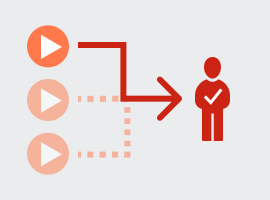
Connect
Join a Photon room and choose the video source for each participant.
+ FLEXIBLE INPUTS

Send
Encode live camera or texture content with configurable quality settings.
+ VP8/9, H.264/5, AV1 or Raw
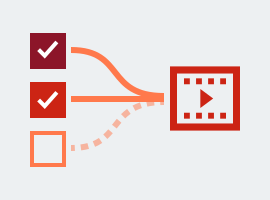
Receive
Subscribe to the remote streams you need, and Video keeps real-time frame ordering and buffering.
+ CONFIGURABLE QUALITY
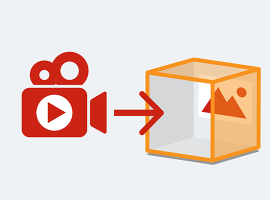
Display
Place video in a canvas, on a material or anywhere in a 3D scene.
+ BROADCAST QUALITY
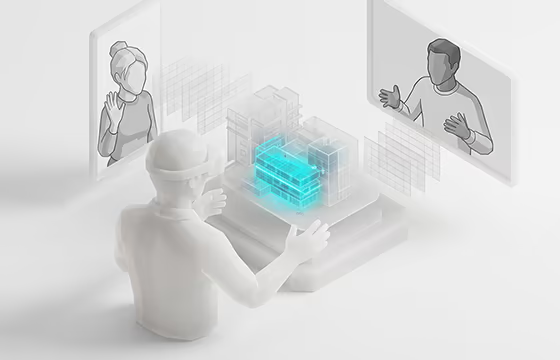
Built beyond the call
Make Presence
Part of the Interaction.
Video becomes a surface, a character, a guide or a live point of view inside the shared world.
-
Games and social worlds
-
Training and simulation
-
Spatial collaboration
-
Remote assistance
-
Virtual events
-
Interactive broadcasting
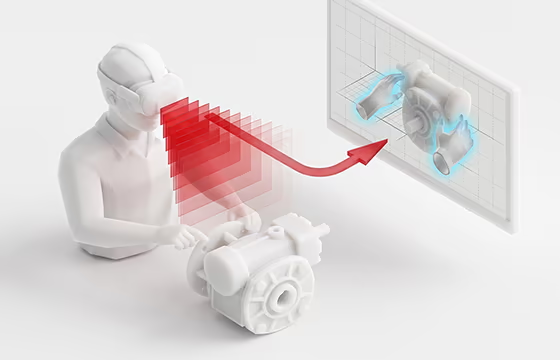
VR and augmented reality
Share a View from the Real World.
Bring supported headsets and wearable camera feeds into a shared Unity experience.
Augment or share the real world with others.
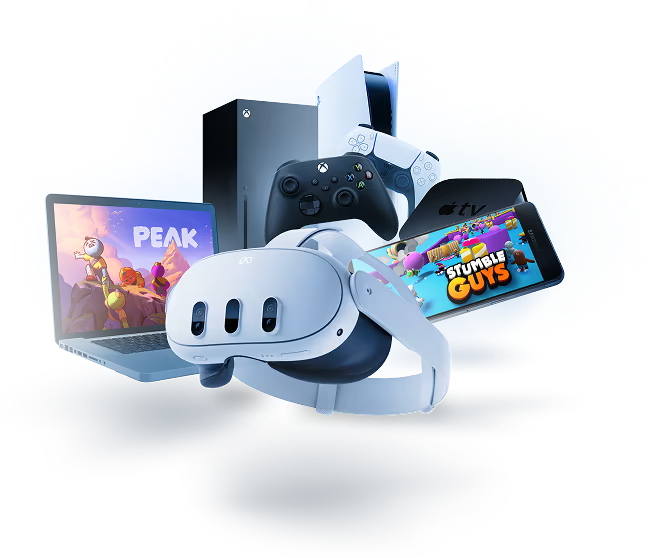
Build across devices
One Experience.
More Ways to Join.
Reach players and participants across desktop, mobile, web and immersive devices. Capture from various sources and broadcast to any devices. Screen share from desktop.






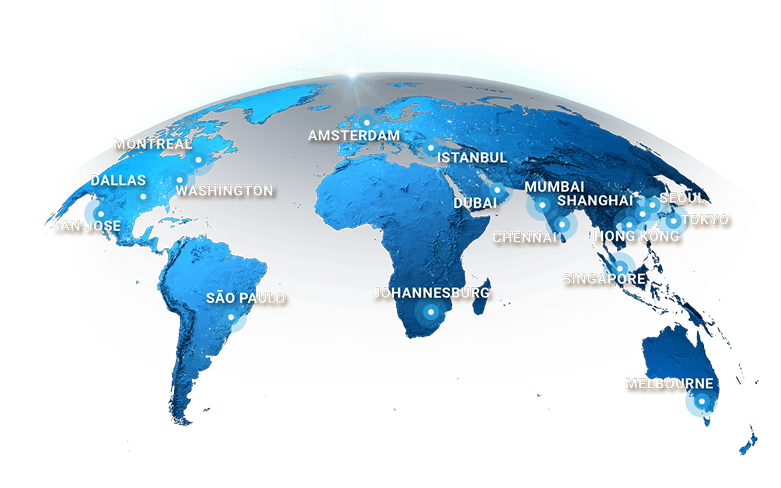
PHOTON CLOUD 리전
플레이어의 접속 지역과
호스팅
실시간 멀티플레이어 게임에서 응답 속도의 스피드는 필수 조건이죠.그래서 Photon Cloud는 응답 속도의 스피드를 위해 여러분의 플레이어가 있는 세계 각지에 호스팅되어 있습니다. FPS 나 RTS 등, 응답 속도의 스피드가 중요시되는 게임은 가장 가까운 지역의 이용자가 접속됩니다. 응답 속도가 덜 요구되는 턴 제도 게임 등은, 지역을 지정해서 접속이 가능합니다.
Available to Circle members
Put Live Video in the World You Are Building.
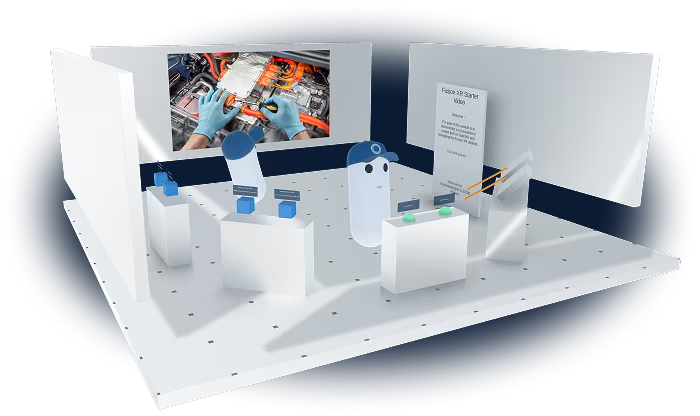
The Cross-platform XR Starter Video sample connects headsets, smart glasses, phones and browsers in one Photon Fusion session, with live camera feeds and voice. Included with Photon Circle.
Photon Video
FAQ
Does Photon Video work without Photon Fusion or Photon Quantum?
Yes. Photon Video runs standalone in any Unity app, with no gameplay SDK required. If you use Photon Fusion or Photon Quantum, video runs in the same Photon room as your gameplay.
How do I get access to Photon Video?
The Photon Video SDK for Unity is a free download from the Photon SDK page at photonengine.com/sdks#video. You need a Photon account and a Video AppId from the Photon Dashboard. Samples such as the Cross-platform XR Starter Video are also free to download from the Photon Video docs.
Is Photon Video available for engines other than Unity?
Not yet. Photon Video is currently available for Unity only.
Which platforms does Photon Video support?
Windows, macOS, iOS, Android, UWP (HoloLens 2) and Unity WebGL in Chrome, Opera and Edge. The Cross-platform XR Starter Video sample also runs on Meta Quest, Android XR and Meta smart glasses.
Which codecs does Photon Video support?
VP8, VP9, H.264, H.265, AV1 and raw frames. You set the codec, resolution, bitrate and frame rate for each sender.
Can I share my screen with Photon Video?
Yes. Photon Video supports screen sharing from desktop.
Which plans are available and how much does Photon Video cost?
You can develop for free with a 20 CCU development app.
Gaming subscriptions on Public Cloud: 500 CCU / 1,000 CCU / 2,000 CCU
Gaming subscriptions on Premium Cloud: 2,000 CCU+ Autoscaling up to 50,000 CCU
Industries subscriptions on Industries Premium Cloud: 50 CCU+ Autoscaling up to 10,000 CCU
Please check the pricing page for further details.
Do I need Photon Voice for audio, or is voice included in Photon Video?
You do not need to install or configure a separate Photon Voice package just to use Photon Video, because Photon Video is built as an extension of Photon Voice and already gets rooms, matchmaking, and audio transmission from it.